How We Work
Our systematic approach to installing and maintaining security systems for residential buildings, from initial site assessment through ongoing technical support.
Site Assessment and Planning
Every installation begins with a thorough site assessment. We visit the building to evaluate the existing infrastructure, identify security requirements, and determine the optimal placement for cameras and access control equipment. This assessment includes measuring distances for cable runs, evaluating network capacity, checking power availability, and documenting any structural considerations that affect installation.
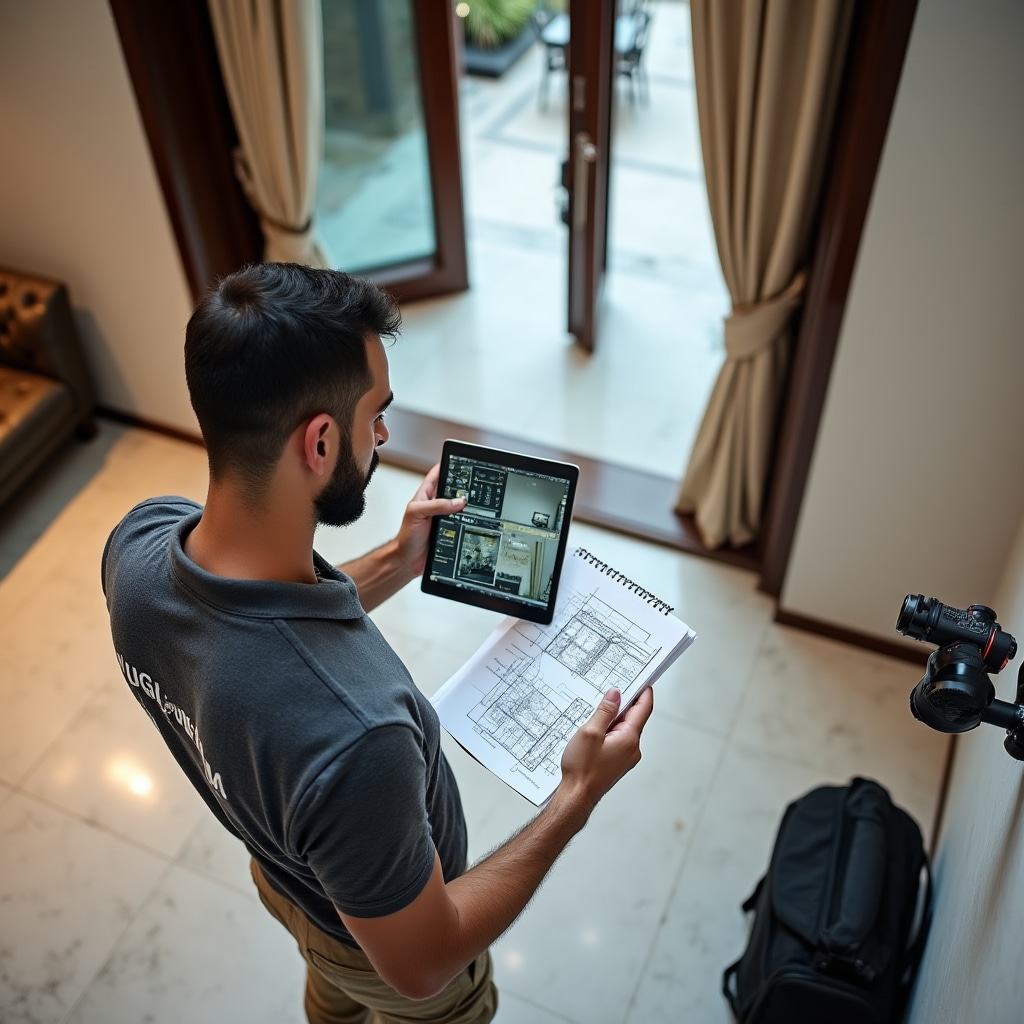
We create detailed site diagrams showing camera coverage zones, blind spots, and equipment locations. These diagrams include cable routing paths, network topology, and power distribution. The assessment report identifies any infrastructure upgrades needed before installation can proceed, such as additional network switches, electrical circuits, or cable pathways.
Infrastructure Requirements
Modern IP camera systems require reliable network infrastructure. We evaluate the building's existing network to determine if it can support the additional bandwidth from video streams. This includes checking switch capacity, verifying Power over Ethernet availability, and ensuring the network can handle peak traffic when all cameras are recording at maximum resolution.
If the existing network is insufficient, we specify the required upgrades. This might include adding dedicated switches for security equipment, implementing VLANs to separate security traffic, or upgrading network cabling to support higher data rates. All infrastructure requirements are documented before installation begins, so building administrators understand the complete scope of work.
Installation Process
Installation follows a systematic sequence designed to minimize disruption to building residents. We typically work during hours when common areas have less traffic, coordinating with building management to ensure access to all necessary locations. The installation team includes network technicians, electricians, and security system specialists who each handle their respective components.
Camera Mounting and Positioning
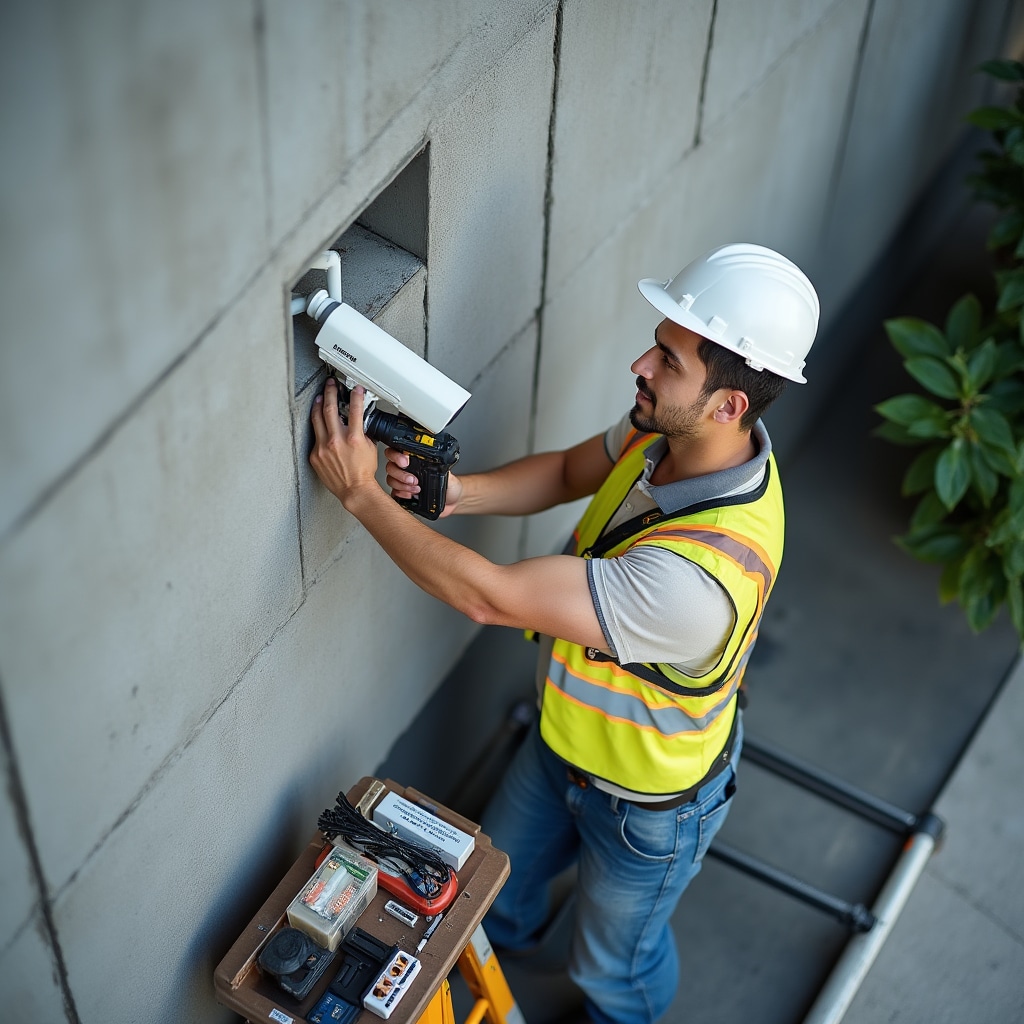
Cameras are mounted according to the site plan, with adjustments made during installation to optimize viewing angles. Each camera is positioned to provide clear facial identification at entry points while maintaining appropriate coverage of larger areas. We test camera positioning under various lighting conditions, adjusting angles and focus to ensure optimal image quality throughout the day and night.
Cable installation follows building codes and uses appropriate protection for different environments. Outdoor cables run through weatherproof conduit, indoor cables are routed through existing pathways or new conduit as needed. All connections are properly terminated and tested before cameras are powered on. Cable runs are documented with labels at both ends for future maintenance reference.
Network Configuration
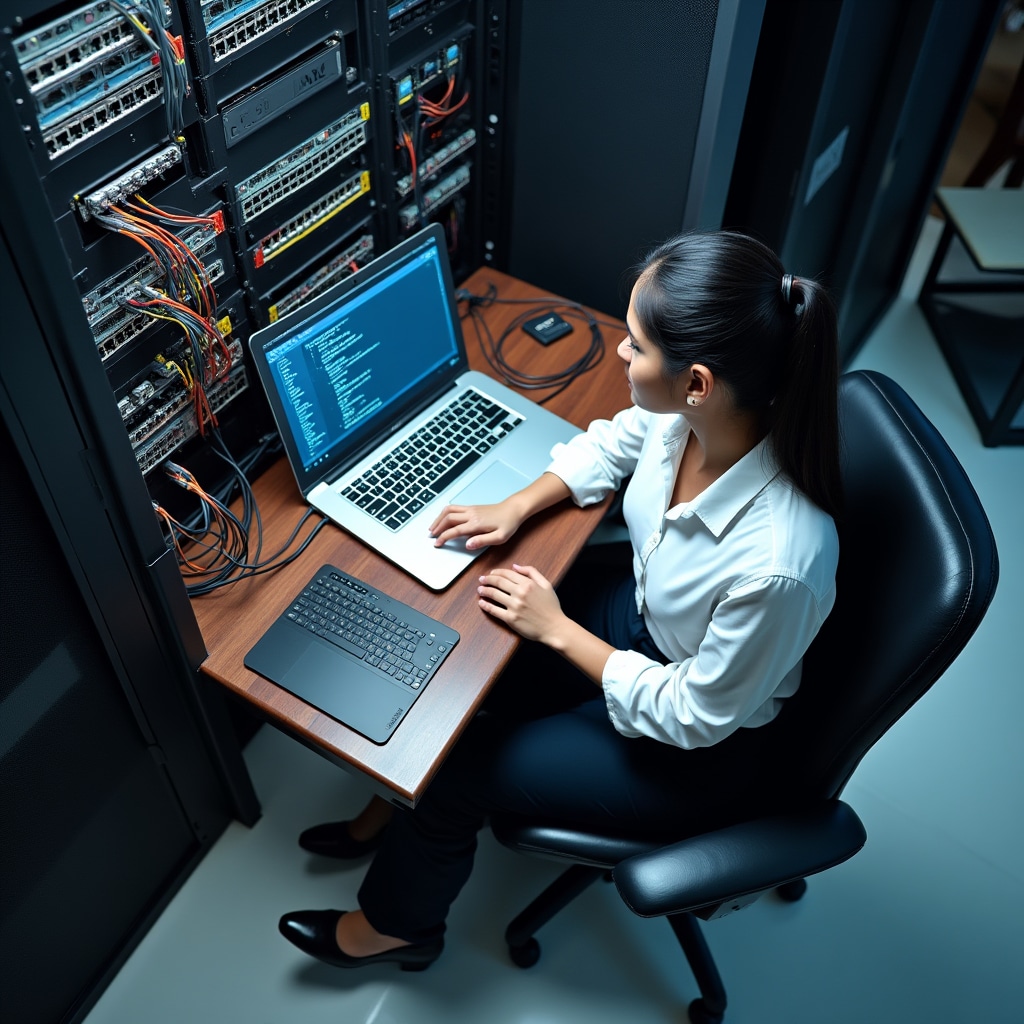
Each camera receives a static IP address within the building's security VLAN. Network switches are configured with appropriate port settings, including bandwidth allocation and quality of service parameters to prioritize video traffic. The network video recorder is connected to the network and configured to discover and add each camera. All network equipment is documented with IP addresses, switch ports, and configuration settings.
System Integration
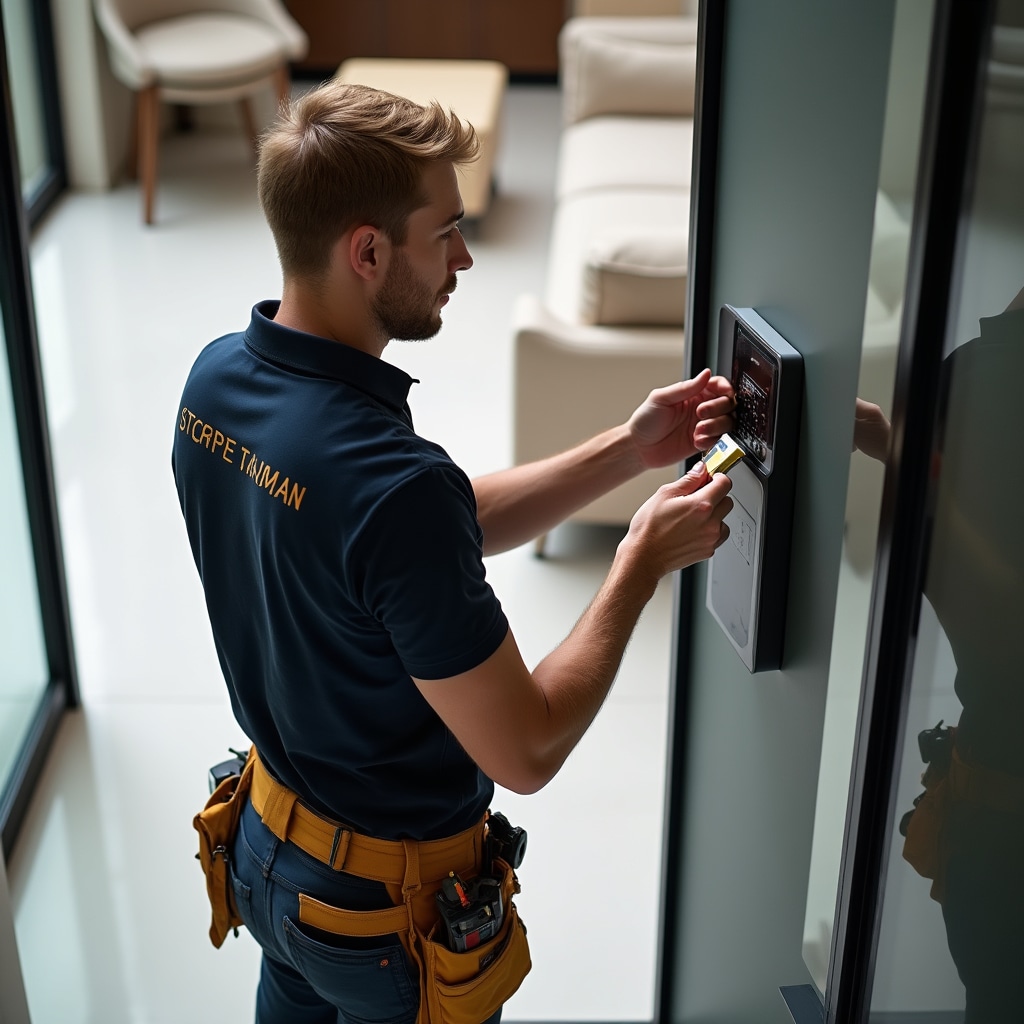
After individual components are installed, we integrate them into a unified system. Cameras are added to the recording system with appropriate retention schedules and recording quality settings. Access control readers are connected to the central database and tested with sample credentials. Video intercoms are linked to resident notification systems. Remote monitoring access is configured with appropriate user accounts and permissions.
Testing and Verification
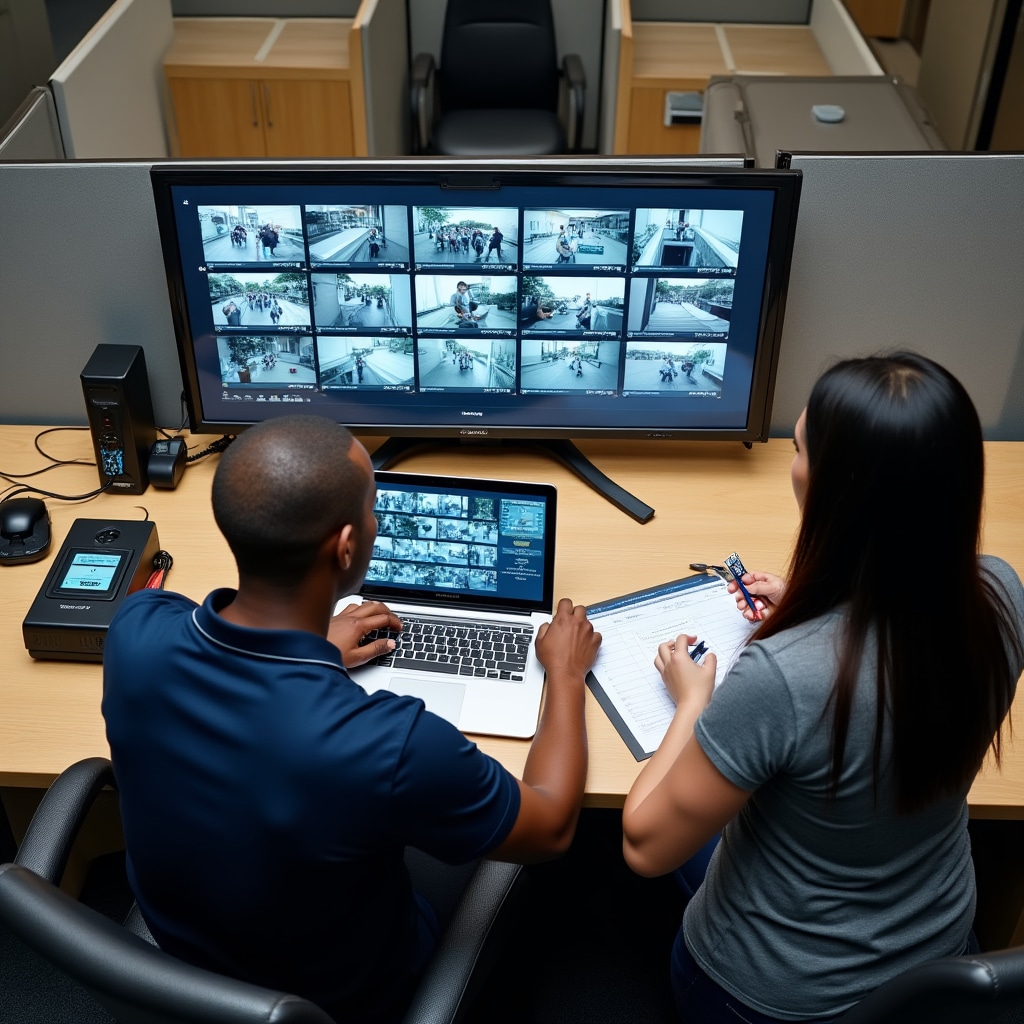
Comprehensive testing ensures every system component functions correctly before we consider installation complete. Testing includes verifying image quality from all cameras, confirming recording retention meets specifications, validating access control functionality, and ensuring remote monitoring works from various devices and locations.
Camera Quality Verification
We test each camera under multiple lighting conditions - daylight, twilight, and night operation. Image quality is evaluated for clarity, color accuracy, and ability to identify individuals at the intended viewing distance. Night vision capability is verified in complete darkness. Motion detection zones are tested to ensure appropriate sensitivity without false alarms from environmental factors like moving foliage or lighting changes.
Recording System Validation
The recording system is tested to verify it captures and stores video from all cameras continuously. We confirm the system maintains the specified retention period and automatically overwrites oldest footage when storage reaches capacity. Backup systems are tested to ensure they activate correctly if primary storage fails. Recording playback is verified from both local and remote interfaces.
Access Control Testing
Every access point is tested with authorized and unauthorized credentials to verify proper operation. Access logs are reviewed to confirm all attempts are recorded with accurate timestamps. Temporary access credentials are tested to ensure they activate and expire at specified times. Integration with video intercoms is verified so access events trigger appropriate camera recording.
Administrator Training
After installation and testing, we provide comprehensive training for building administrators who will manage the system. Training covers all aspects of system operation, from routine tasks like reviewing recorded footage to administrative functions like managing access credentials and generating incident reports.
System Operation Training
Administrators learn how to access the system through both local and remote interfaces. Training includes navigating the camera grid, selecting specific cameras for viewing, using playback controls to review recorded footage, and exporting video clips for documentation or sharing with authorities. We demonstrate how to use search functions to find specific events based on time, camera, or motion detection.
Access Management Training
Training covers the complete lifecycle of access credentials - creating new credentials for residents, activating and deactivating cards or mobile access, setting time restrictions for temporary access, and generating access reports. Administrators learn how to handle common scenarios like lost cards, new residents moving in, or contractors requiring temporary building access.
Maintenance and Troubleshooting
We teach administrators how to identify common problems and when to contact technical support. This includes recognizing camera connection issues, understanding storage capacity alerts, and interpreting system status indicators. Administrators receive documentation with troubleshooting flowcharts for common scenarios and contact information for technical support with guaranteed response times.
Ongoing Support and Maintenance
System installation is only the beginning of our relationship with building administrators. We provide ongoing technical support and scheduled maintenance to ensure the system continues operating reliably. Support includes remote troubleshooting, on-site repairs, and regular maintenance visits to prevent problems before they affect system operation.
Scheduled Maintenance
Regular maintenance visits occur on a predetermined schedule, typically quarterly or semi-annually depending on the system size and building environment. Maintenance includes cleaning camera lenses, checking all cable connections, verifying recording system health, testing backup systems, updating firmware, and reviewing system logs for any anomalies that might indicate developing problems.
Emergency Response
When system failures occur, we maintain guaranteed response times based on the severity of the issue. Critical failures affecting building security receive immediate response, with technicians dispatched to resolve the problem. Non-critical issues are scheduled based on their impact to system functionality. All service calls are documented with problem description, actions taken, and any recommendations for preventing similar issues.
System Updates and Upgrades
As technology evolves, we recommend updates to keep systems current with security standards and functionality improvements. This might include firmware updates for existing equipment, adding new cameras to cover previously unmonitored areas, or upgrading recording capacity as storage requirements increase. All recommendations are based on actual system performance and building security needs, not arbitrary replacement schedules.