What We Do
Complete security system services for residential buildings - from initial design and installation through ongoing maintenance and technical support.
IP Camera Systems
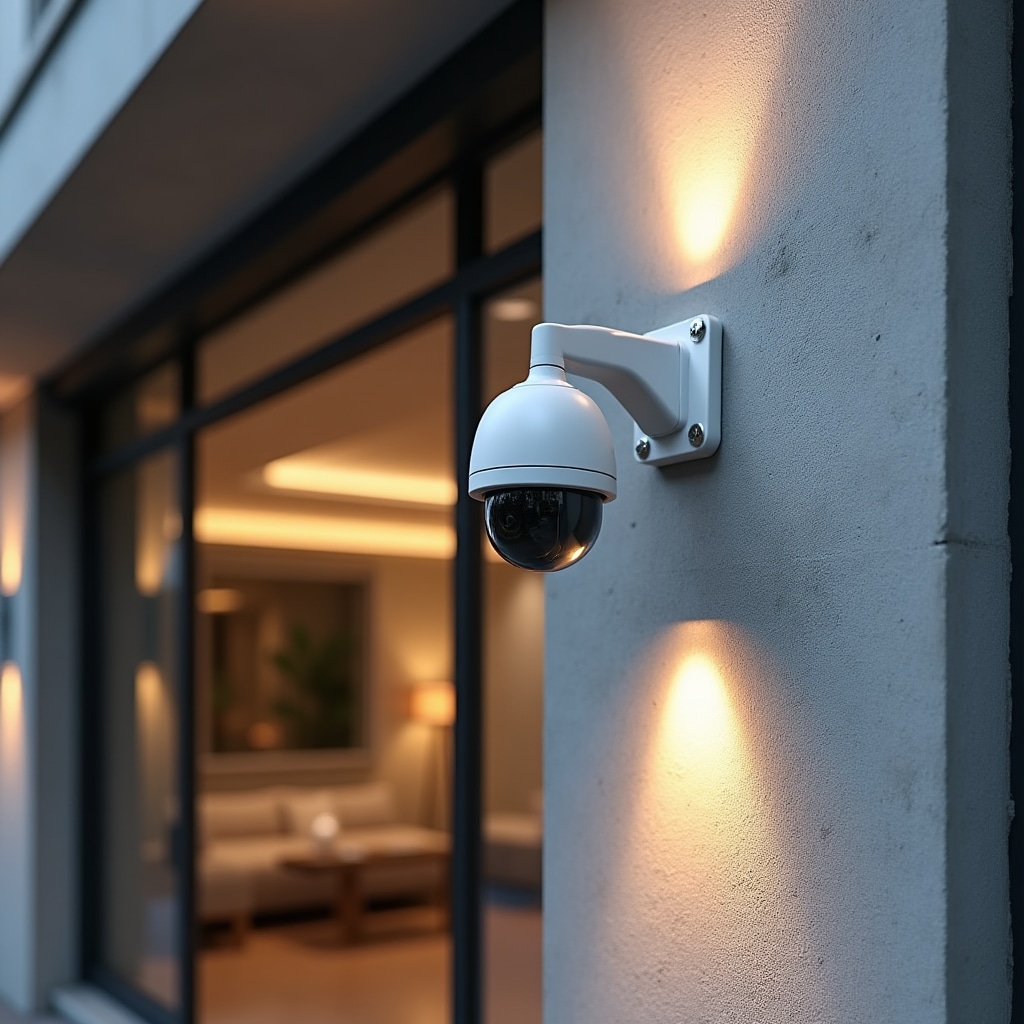
We install and configure IP camera systems designed specifically for residential building environments. These systems provide high-resolution video surveillance of common areas while respecting resident privacy. Each installation is customized to the building's layout, security requirements, and existing infrastructure.
Camera Selection and Placement
Camera selection depends on the specific monitoring requirements of each location. Entrance cameras use higher resolution sensors to capture clear facial images for identification purposes. Parking area cameras have wide-angle lenses to cover larger spaces with fewer units. Hallway cameras are positioned to monitor traffic flow without intruding on individual unit privacy.
All cameras include infrared night vision capability, allowing continuous monitoring regardless of lighting conditions. Outdoor cameras are housed in weatherproof enclosures rated for the local climate. Indoor cameras use discrete housings that blend with building aesthetics while maintaining clear sight lines to monitored areas.
Network Infrastructure
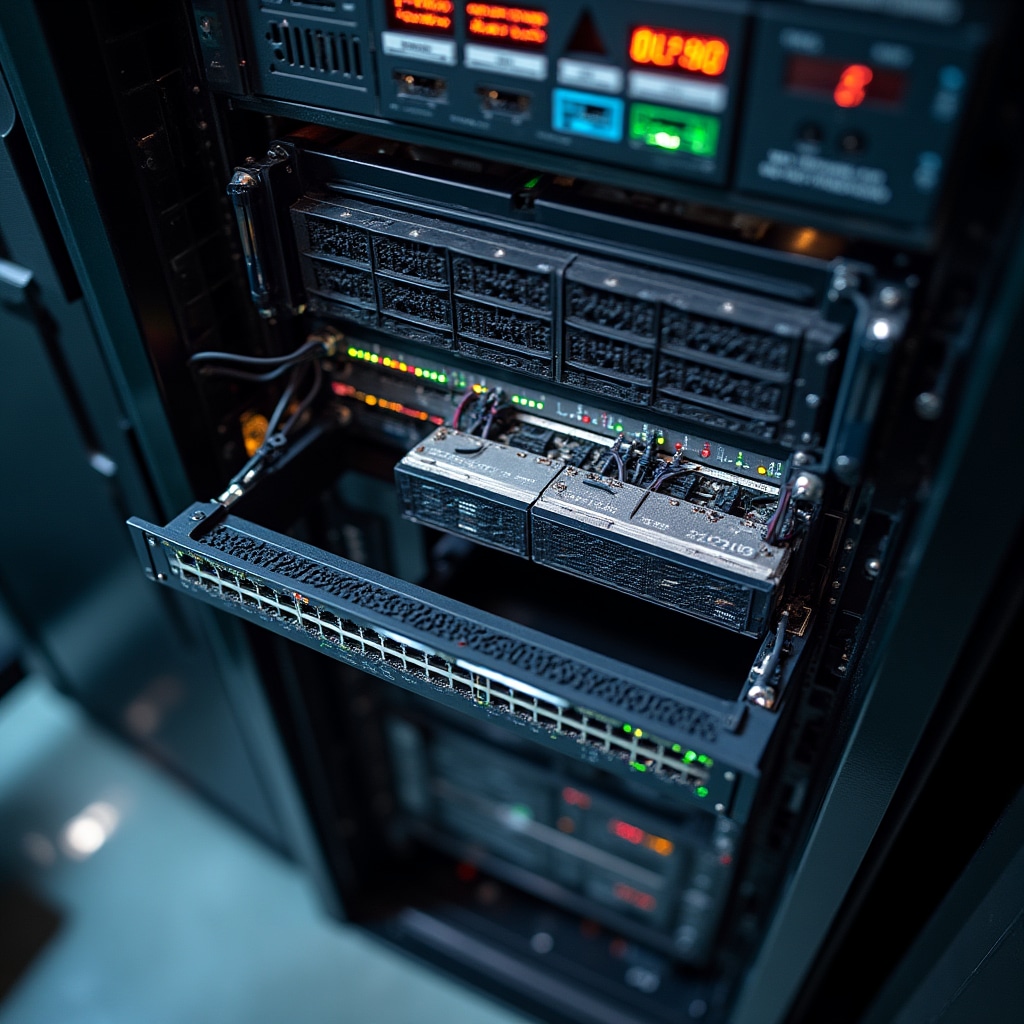
IP cameras connect through the building's network infrastructure using Power over Ethernet technology, which provides both data connectivity and electrical power through a single cable. This simplifies installation and reduces the number of power outlets required. Network switches are configured with appropriate bandwidth allocation to ensure video streams don't interfere with resident internet service.
We implement VLANs to separate security system traffic from general building network traffic. This isolation improves system security and prevents unauthorized access to camera feeds. Network configuration includes quality of service settings that prioritize video traffic during peak usage periods, ensuring recording quality remains consistent.
Recording and Storage Systems
Network video recorders capture and store footage from all cameras continuously. These systems are configured to maintain video for the specified retention period, typically 30 days, with automatic overwriting of oldest footage as storage reaches capacity. Recording systems include redundancy features to protect against data loss from hardware failures.
Storage Capacity Planning
Storage requirements are calculated based on the number of cameras, recording resolution, frame rate, and retention period. Higher resolution cameras and longer retention periods require more storage capacity. We configure recording quality settings to balance image clarity with storage efficiency, using variable bit rate encoding that adjusts quality based on scene complexity.
Motion detection can reduce storage requirements by recording at lower quality during periods of inactivity and switching to full quality when movement is detected. However, for critical areas like entrances and exits, we recommend continuous high-quality recording regardless of motion detection to ensure no events are missed due to detection delays or failures.
Backup and Redundancy
Recording systems use RAID storage configurations that protect against single drive failures. If one hard drive fails, the system continues recording to the remaining drives while alerting administrators to the failure. Failed drives can be replaced without system downtime, and the RAID array automatically rebuilds the redundant data.
Critical footage can be exported to external storage for long-term retention beyond the standard 30-day period. This is particularly useful for incident documentation or legal proceedings that require preserving specific video evidence. Export functions allow administrators to save footage in standard formats that can be viewed without specialized software.
Access Control Systems
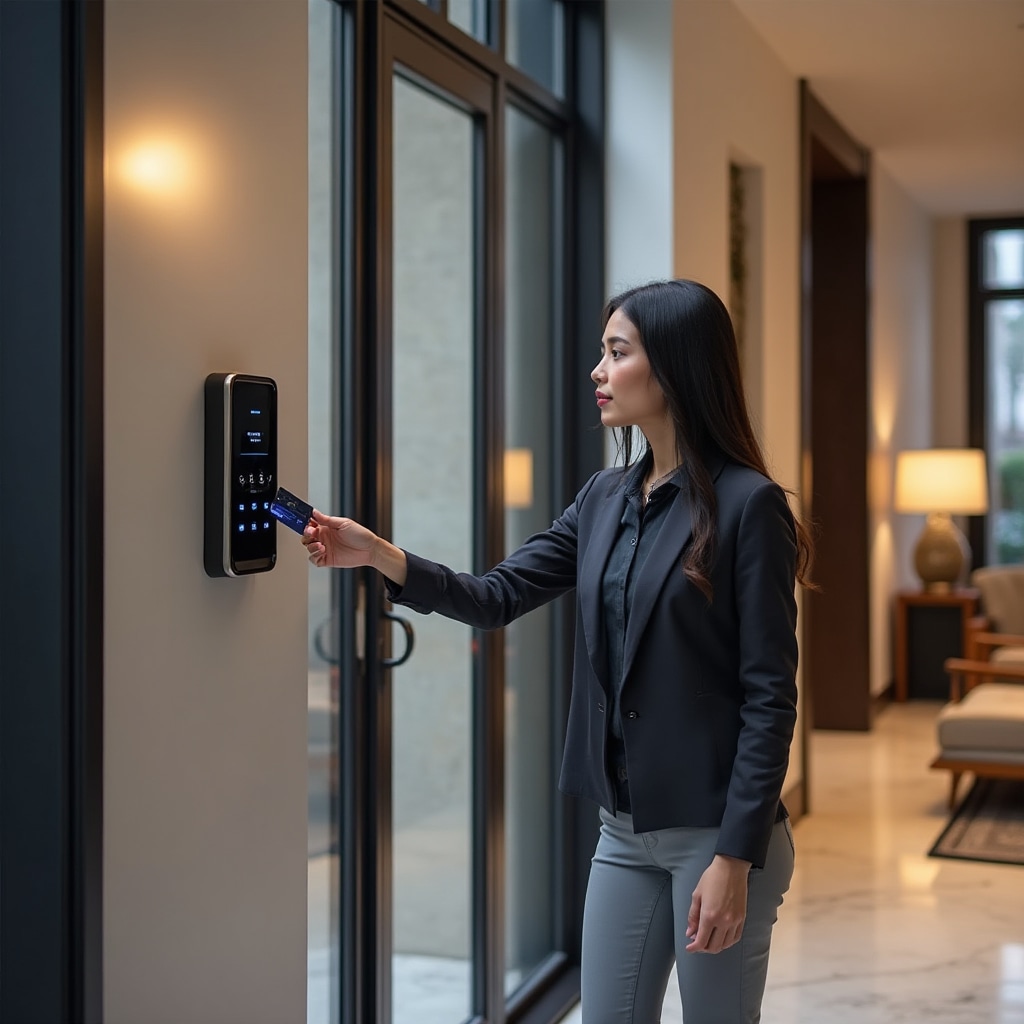
Access control systems manage entry to buildings and restricted areas through electronic credentials rather than traditional keys. Residents use access cards or mobile credentials to unlock doors, with all access attempts logged for security auditing. The system provides building administrators with complete control over who can access which areas and when.
Credential Management
Each resident receives unique access credentials that are programmed with their specific permissions. Credentials can be physical cards, key fobs, or mobile phone applications. The system supports multiple credential types simultaneously, allowing residents to choose their preferred access method. Lost or stolen credentials can be immediately deactivated through the administrative interface without affecting other residents.
Temporary credentials are useful for visitors, contractors, or short-term rentals. These credentials can be programmed to expire automatically after a specified time period or number of uses. Administrators can grant temporary access remotely, allowing residents to provide building access to expected visitors without being physically present.
Access Zones and Schedules
Access control systems divide buildings into zones with different access requirements. Residents might have unrestricted access to common areas and their own floor but restricted access to other residential floors or mechanical rooms. Service personnel have access to areas necessary for their work but not to residential spaces.
Time-based restrictions allow different access rules at different times. Parking areas might be accessible to all residents during the day but restricted to specific parking space owners at night. Amenity areas can be programmed with operating hours, automatically denying access outside permitted times.
Integration with Video Surveillance
Access control integrates with the camera system to automatically record video when doors are accessed. This provides visual confirmation of who used each credential and whether unauthorized individuals followed authorized users through secured doors. Failed access attempts trigger alerts and video recording, helping identify potential security threats.
Video Intercom Systems
Video intercoms connect visitors at building entrances with residents through audio and video communication. When a visitor presses the call button, the system routes the call to the appropriate resident's device, allowing them to see and speak with the visitor before granting access. This provides security screening for all building visitors.
Resident Communication
Intercom calls can be received on dedicated in-unit panels or through mobile applications on residents' smartphones. Mobile integration allows residents to answer visitor calls even when away from home, providing flexibility for expected deliveries or service appointments. The system can be configured to call multiple devices sequentially if the first device doesn't answer.
Video quality is optimized for facial recognition, with cameras positioned and lit to provide clear images of visitors regardless of time of day. Wide-angle lenses capture the entire entrance area, showing whether visitors are alone or in groups. Two-way audio allows residents to communicate with visitors clearly, even in noisy outdoor environments.
Remote Door Release
After verifying visitor identity through the video intercom, residents can remotely unlock the door using controls on their device. This integration with the access control system provides a complete visitor management solution. All remote door releases are logged with timestamps and associated video footage for security auditing.
Package Delivery Integration
Video intercoms facilitate secure package delivery to residential buildings. Delivery personnel can call residents to confirm delivery, and residents can direct them to secure package rooms or provide temporary access to building lobbies. Video recording of all delivery interactions provides documentation in case of disputes or missing packages.
Remote Monitoring and Management
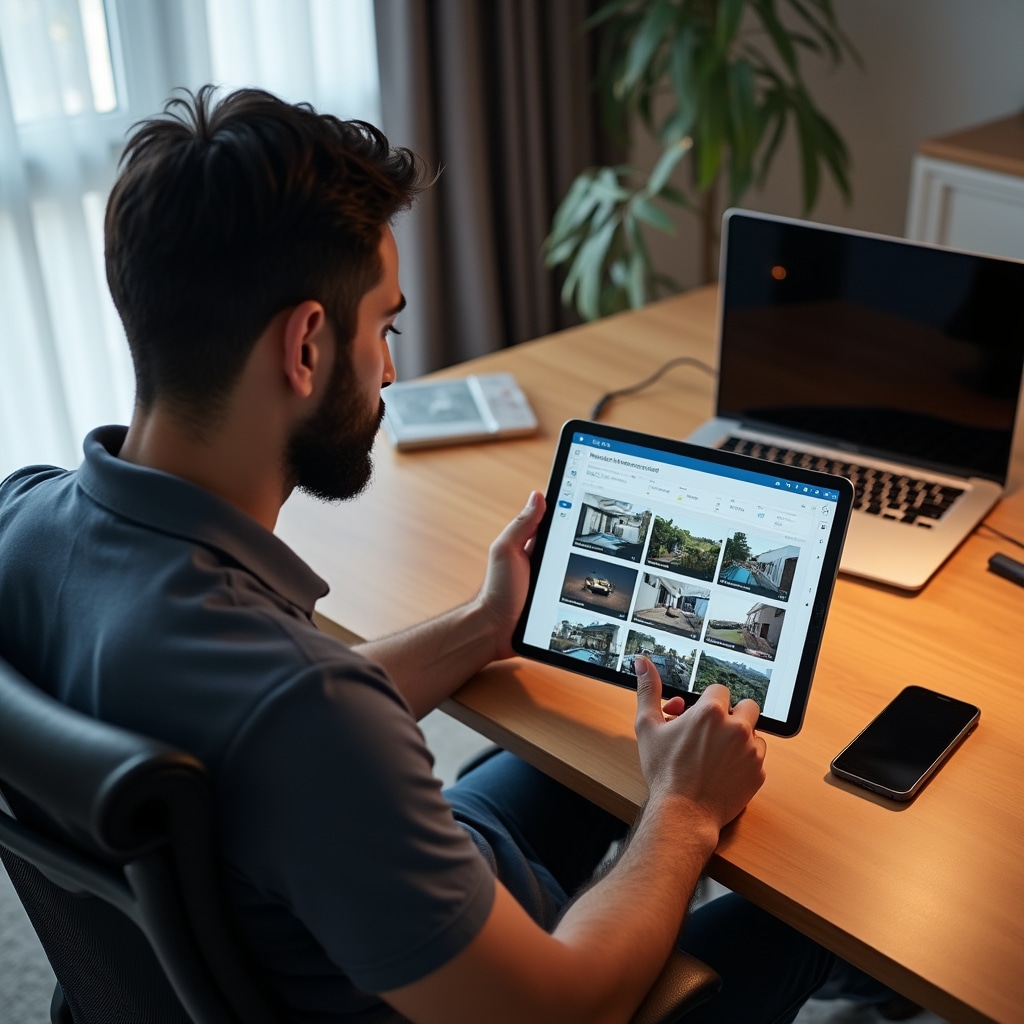
Building administrators access the security system remotely through web-based interfaces or dedicated mobile applications. Remote access allows monitoring and management from any location with internet connectivity, providing flexibility for committee members who don't work on-site. All remote access is secured with encryption and multi-factor authentication.
Live Video Monitoring
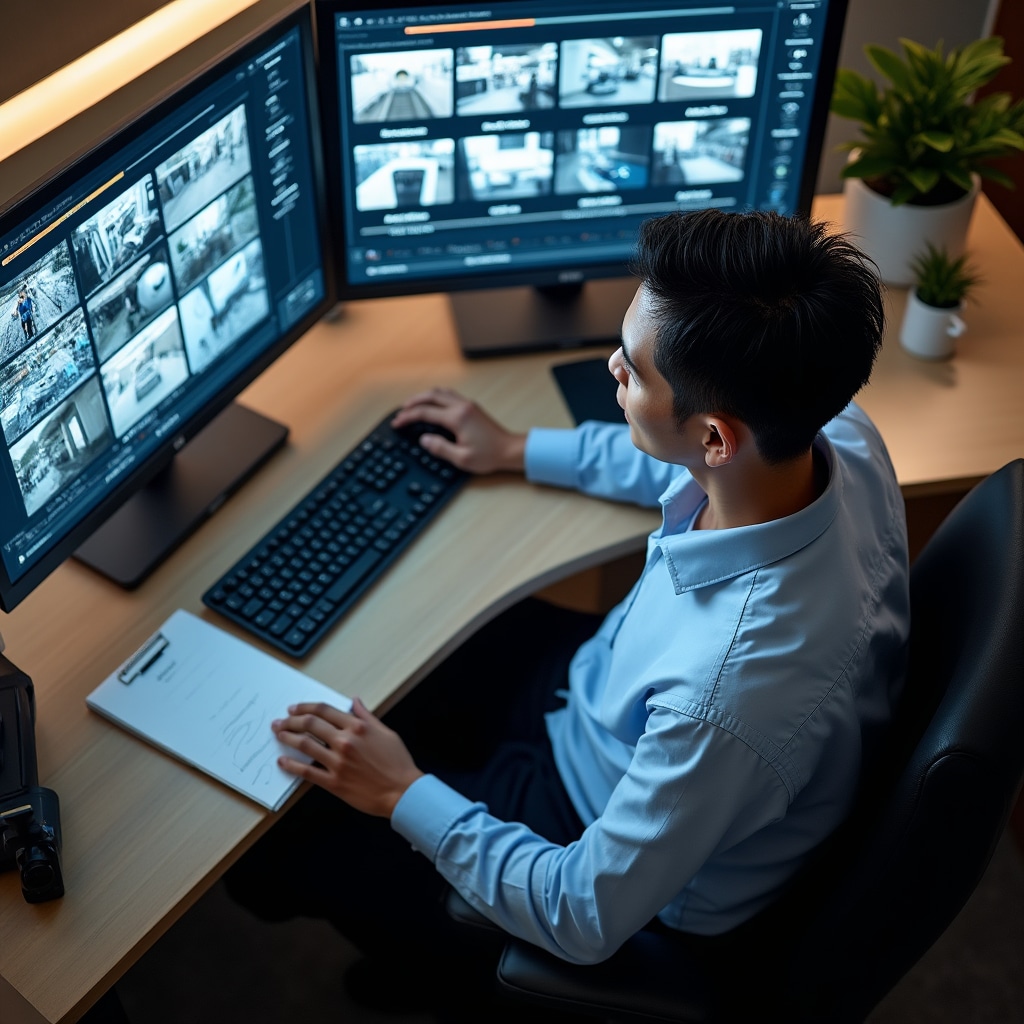
Remote interfaces provide access to live camera feeds from all installed cameras. Administrators can select individual cameras for full-screen viewing or monitor multiple cameras simultaneously in a grid layout. Pan-tilt-zoom cameras can be controlled remotely to adjust viewing angles as needed. Video streams are optimized for available bandwidth, with quality adjusting automatically based on connection speed.
Recorded Footage Review
The remote interface includes powerful search and playback functions for reviewing recorded footage. Administrators can search by time, camera, or motion detection events to quickly locate relevant video. Timeline controls allow precise navigation through recordings, with the ability to adjust playback speed for efficient review of long time periods.
Video clips can be exported directly from the remote interface for sharing with other committee members, property management, or law enforcement. Exported files include timestamp overlays and camera identification to maintain chain of custody for potential legal proceedings.
Access Control Management
Remote access control management allows administrators to create, modify, or deactivate credentials without visiting the equipment room. New residents can receive access immediately upon move-in, and departing residents have their access revoked promptly. Access logs can be reviewed remotely to investigate security incidents or verify contractor attendance.
System Health Monitoring
The remote interface displays system status information, including camera connectivity, recording system storage capacity, and network health. Alerts notify administrators of potential problems before they affect system operation. This proactive monitoring allows issues to be addressed during scheduled maintenance rather than requiring emergency service calls.
System Maintenance and Support
Ongoing maintenance ensures security systems continue operating reliably after installation. We provide scheduled maintenance visits, emergency repair response, and remote technical support to address issues as they arise. Maintenance contracts include guaranteed response times based on the severity of system failures.
Preventive Maintenance
Regular maintenance visits follow a comprehensive checklist covering all system components. Camera lenses are cleaned to maintain image quality, connections are checked for corrosion or looseness, and mounting hardware is inspected for stability. Recording system health checks verify hard drive status, storage capacity, and backup functionality.
Network infrastructure maintenance includes verifying switch operation, checking cable integrity, and updating firmware to address security vulnerabilities or add new features. Access control readers are tested to ensure they respond correctly to credentials, and door strikes are adjusted to ensure proper operation.
Emergency Response
Critical system failures receive immediate response, with technicians dispatched to restore functionality as quickly as possible. Our emergency response procedures prioritize issues based on their impact to building security. Complete system failures, such as total recording loss or access control system outages, receive highest priority response.
Many issues can be resolved remotely through our monitoring and management systems. Network connectivity problems, camera configuration issues, or access control credential problems often don't require on-site visits. Remote troubleshooting reduces response time and minimizes service costs for building administrators.
System Upgrades
As buildings' security needs evolve, we recommend and implement system upgrades. This might include adding cameras to previously unmonitored areas, expanding storage capacity for longer retention periods, or upgrading to higher resolution cameras for improved identification capability. All upgrade recommendations are based on actual building requirements rather than arbitrary replacement schedules.
Technology improvements sometimes justify upgrading functional equipment to gain new capabilities. Modern cameras with improved low-light performance might significantly enhance nighttime monitoring quality. Advanced analytics features can provide automated alerts for specific events, reducing the need for constant human monitoring.